
We have an Amazon Echo in almost every room, which we use not only to listen to the radio and music, but also to control many things in the house. Home Assistant and the paid but simple connection of the voice assistant via the Nabu Casa Cloud make it possible in no time at all. Nabu Casa is a company that emerged from the Home Assistant makers. For 5 euros per month, you not only get a simple way to connect voice assistants such as Alexa or the Google Assistant, but also secure remote access. It also supports the further development of Home Assistant, which is an excellent thing.
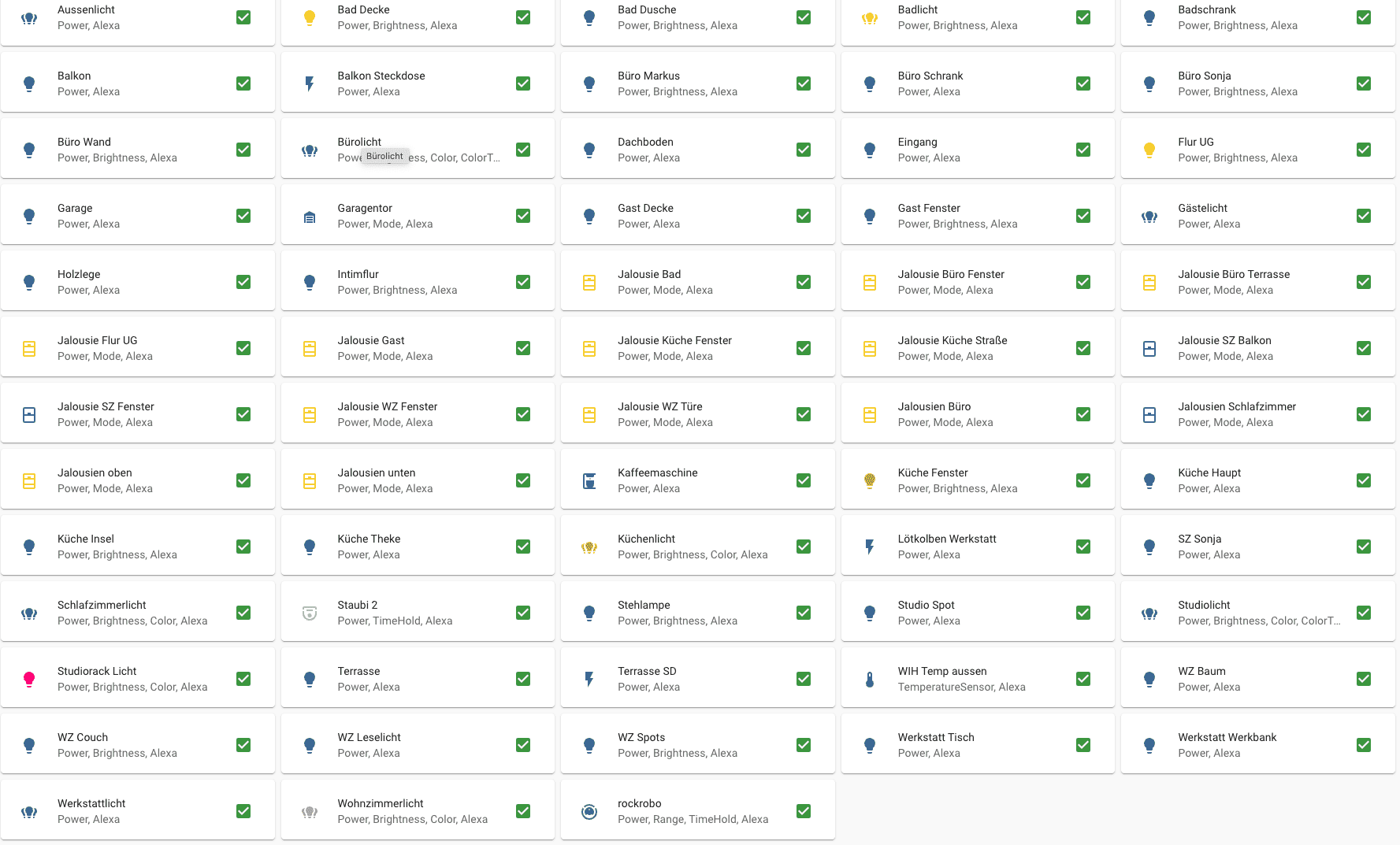
For some time now, however, there have been problems with the connection of voice assistants via Nabu Casa. Apparently, the huge success of HA has meant that the service, which connects home assistants and assistants to the relevant providers without much configuration effort, has become very slow and unreliable. If you want to execute a command, it often takes several seconds. In addition, Alexa acknowledges the command by saying that the corresponding device would not respond. A short time later, the command is executed anyway.
This is not only annoying, but also significantly reduces the WAF (Women’s Acceptance Factor). However, as we use these services regularly because we both work from home, I have changed my Alexa connection.
Full instructions are available at Home Assistant and this video also helps to master the rather complex configuration.
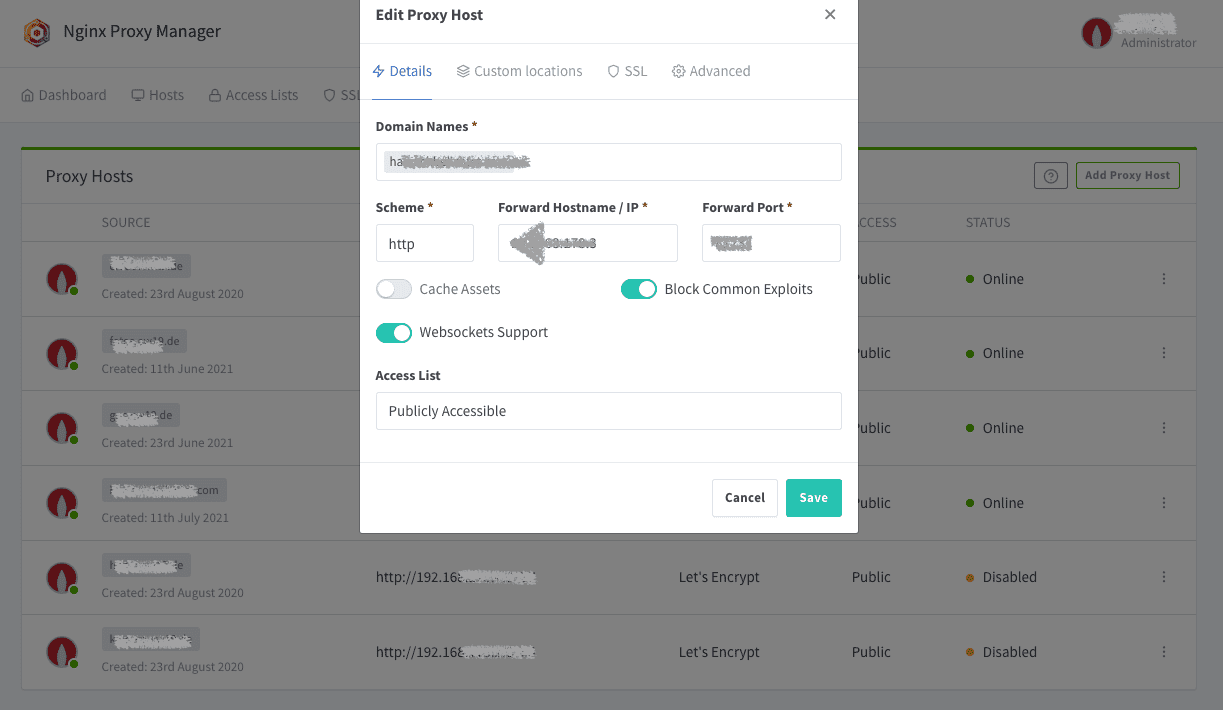
You need a free Amazon Developer account to access the AWS services. In addition, Home Assistant must be accessible via SSL using port 443 and a fixed address. We have a fixed IP address for our DSL connection here, which I resolve in the DNS of my domain provider via a subdomain. A Docker container with an NGINX proxy server runs on my server in front of Home Assistant, which manages the certificates and also provides some security.
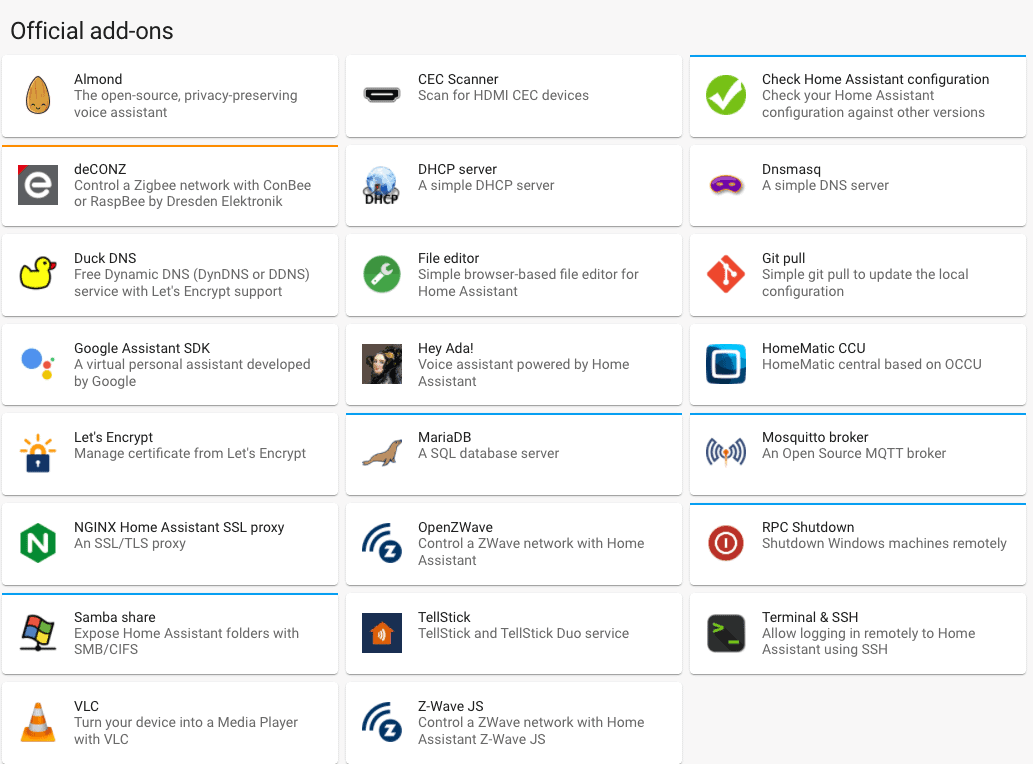
Home Assistant itself offers similar functions in the supervisor and DuckDNS can also be used here if you have a dynamic IP address to the outside. Accessibility from the outside, including valid SSL certificates, must work and be tested before further setup.
I needed about 45 minutes for the complete setup. In this context, you also create your own Alexa skill, which takes over future control. Overall, this is very interesting because it also gives you a little insight into the basics of skill development for Alexa.
Once everything has been tested, the previous configuration of the devices and entities that are to be synchronised with Alexa and accessible there is no longer necessary and must be replaced by an extension of HA configuration.yaml. However, this also allows you to set which services can be used with which name and voice command with Alexa in a much more granular and targeted manner.
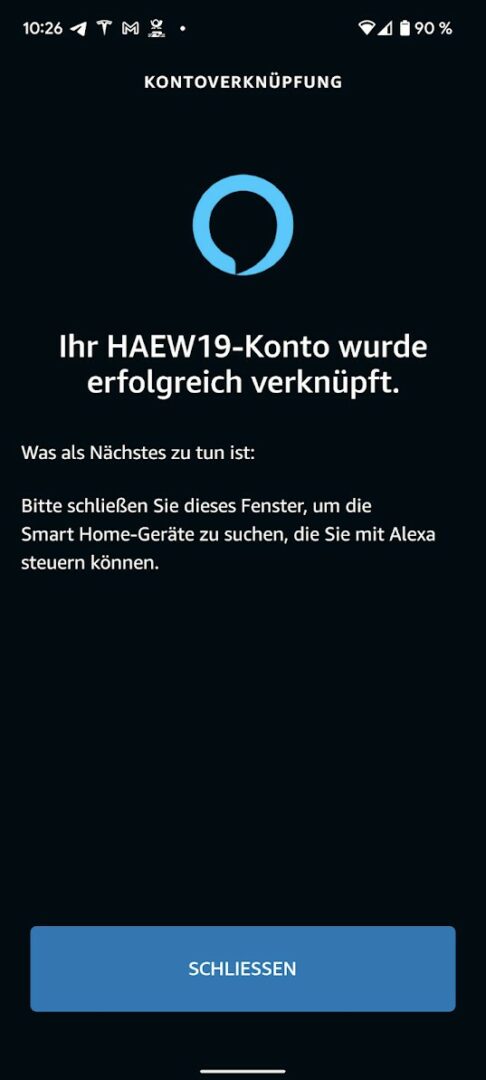
I have outsourced this configuration to a separate file alexa.yaml and integrated it into my configuration.yaml. I first excluded all domains, i.e. lamps, switches, sensors etc. from Alexa with exclude_domains: and then included them specifically using include_entities.
smart_home:
  locale: de-DE
  client_id: amzn1.application-oa2-client.40cd01
  client_secret: 062e0ca88560015b9ee
  filter:
    exclude_domains:
      - automation
      - alert
      - input_boolean
      - media_player
      - binary_sensor
      - switch
      - camera
      - light
      - automation
      - script
      - sensor
      - device tracker
      - lock
      - fan
      - remote
      - alarm_control_panel
      - input_select
      - input_number
      - person
      - sun
      - climate
      - weather
      - zone
      - persistent_notification
      - air_quality

    include_entities:

      - group.bedroom_light
      - group.living_room_light
      - group.kitchenlight
      - group.officelight
      - group.studio light
      - group.bathroom light
      - group.workshop light
      - group.outdoor light

      # Kitchen lamps
      - light.kitchen_light
      - light.kitchen_island
      - light.kitchen_head
      - light.kitchen_window
      - light.kitchen_counterCode language: YAML (yaml)
The entity_config can then also be used to determine how the entity should be addressed in Alexa – completely independently of the name of the entity in Home Assistant:
 entity_config:

    light.burolicht:
      name: Office light
      description: Office lighting
      display_categories: LIGHT

    light.buro_markus:
      name: Office Markus
      description: Office Lighting Markus
      display_categories: LIGHT

    light.wz_leselicht:
      name: Reading light
      description: Reading light living room
      display_categories: LIGHT

    light.wz_spots:
      name: Ceiling spots
      description: Living room ceiling spots
      display_categories: LIGHT

    light.kitchen_counter:
      name: Counter
      description: Light kitchen counter
      display_categories: LIGHTCode language: YAML (yaml)
The display_categories ensure that the entity is assigned to a device class in Alexa (e.g. LIGHT, COVER, SWITCH, LOCK etc.), which in turn is good for the overview. This part of the configuration takes almost more time than the actual configuration – but it’s worth it!
Since you need secure external access to HA to connect Alexa manually anyway, the service offered by Nabu Casa is no longer necessary.
Everything so quickly at once!
I was actually surprised at how quickly the commands are now executed without having to take a diversion via a (currently overloaded) third-party server. Even when I was still using Symcon, communication took place via the Symcon service. So I’ve never had a direct comparison. But other services such as Philips Hue etc. were also slower than this solution.
The commands are executed immediately without any noticeable delay and are acknowledged with “PALIM!”. Since then, there have been no more reports of a device not responding.
Flash briefings for Alexa
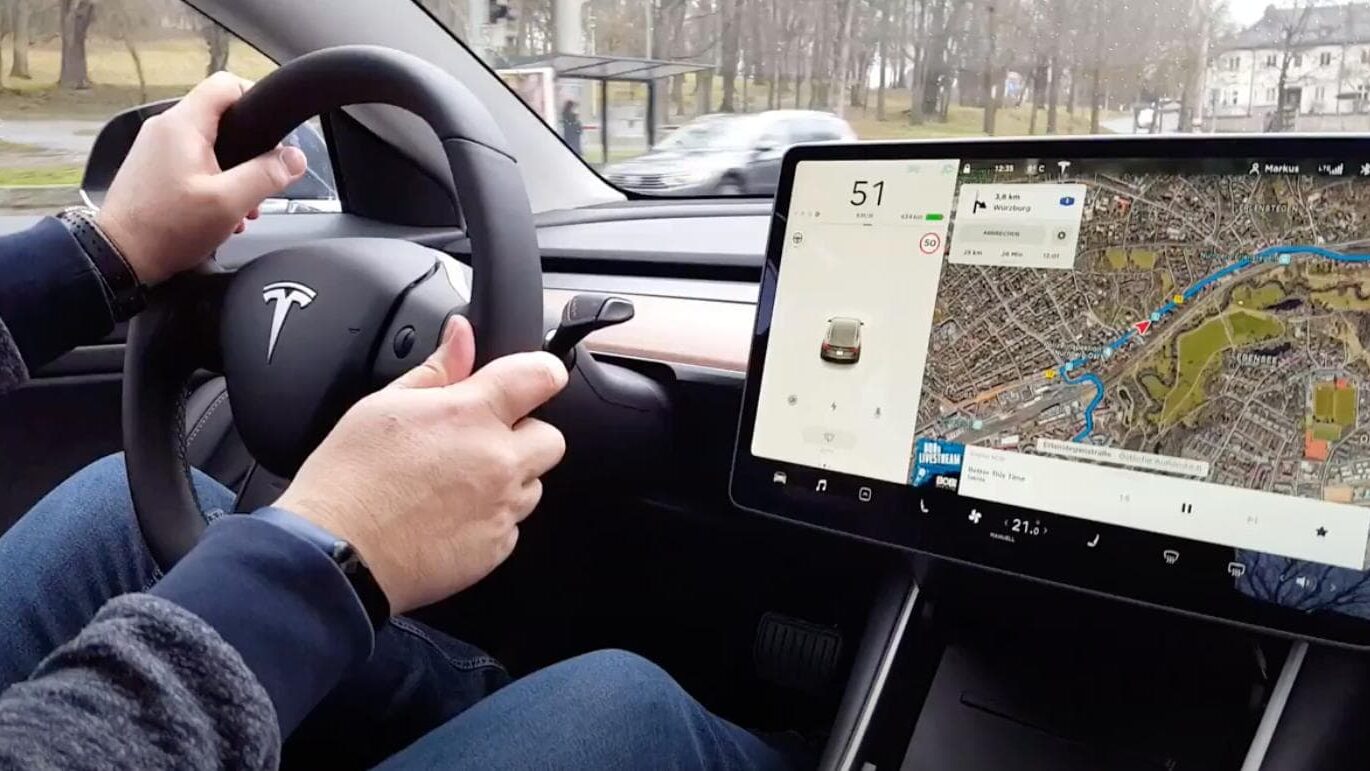
So euphoric, I immediately set about creating my own flash briefing for Alexa, which gives me an overview of important values and statuses in response to the question “Alexa, what’s new?”. For example, the current outside temperature, whether it’s raining and the charge level of our Tesla Model 3 (our McFly):
flash_briefings:
  password: xxxxxxxx
  weather:
    title: What's the weather like?
    text: >
      It is currently {{ states("sensor.wih_temp_outside") }} outside Degrees
      {% if is_state('binary_sensor.wih_regen', 'on') %}
        and it is raining.
      {% else %}
        and it is dry.
      {% endif %}
        The perceived temperature is {{ states("sensor.weewx_feel_temperature")}} Degrees.

      {% if is_state('binary_sensor.garage_closed', 'on') %}
        The garage door is closed.
      {% else %}
        The garage door is open.
      {% endif %}

      {% if is_state('binary_sensor.garage_window', 'off') %}
        The garage window is closed.
      {% else %}
        The workshop window is open.
      {% endif %}

      {% if is_state('switch.studio_sd_rack', 'on') %}
        The power in the studio is on.
          {% if is_state('switch.post-exposure', 'on') %}
            and the PC in the studio is still on.
          {% endif %}
      {% endif %}

      {% if is_state('binary_sensor.haustur', 'off') %}
        The front door is closed.
      {% else %}
        The front door is open.
      {% endif %}

        McFly has {{states("sensor.mcfly_battery_sensor")}} Kilowatts charged and its range is {{states("sensor.mcfly_range_sensor")}} Kilometres.
        The gas consumption so far today has been {{states("sensor.gasconsumption_kwh")}} Kilowatt hours and {{states("sensor.strom_stats_w")}} Watts of electricity are being consumed.Code language: YAML (yaml)
I still have a lot of ideas for this area and I will refine it so that certain states are only announced when an action is required, e.g. “Please close the workshop window!”. All window and door sensors will also be added here.
Conclusion
The direct connection of Alexa to Home Assistant is not a trivial matter and requires a lot of time and effort. But the reward is a very fast system. According to Reddit, the Home Assistant developers at Nabu Casa are already working on a solution to the problem with their cloud. However, this will probably not be ready until the end of February. However, I will definitely be sticking with my individual connection. There are two reasons for this:
- It’s faster because there’s no need for another server in between
- and it is more reliable because there is no need for another server in between.
Nabu Casa has already experienced a few outages, which affect all Home Assistant users who rely on this solution. They continue to receive the 5 euros per month because I want to use it to support the further development of Home Assistant.
Leave a Reply